Sunwake Press Kit
Sunwake turns the iPhone into a sunrise alarm clock. In the evening an illustrated sun sets on the screen, at night it stays black with stars, the moon in its real phase and a faint red clock. Before the alarm the sun rises slowly, and at wake time the screen reaches full brightness.
Available for pre-order on the App Store, out October 25, 2026On the App Store since October 25, 2026
Facts
- App
- Sunwake, on the App Store as “Sunwake: Sunrise Alarm Clock”
- Developer
- Lennox Kornmann, solo developer in Meiningen, Germany (Werraweb)
- Release
- October 25, 2026, available for pre-order since October 17, 2026, in 175 countries and regions
- Platform
- iPhone with iOS 26.1 or later
- Languages
- App in English and German, App Store listing in 9 languages
- Category
- Lifestyle
- Price
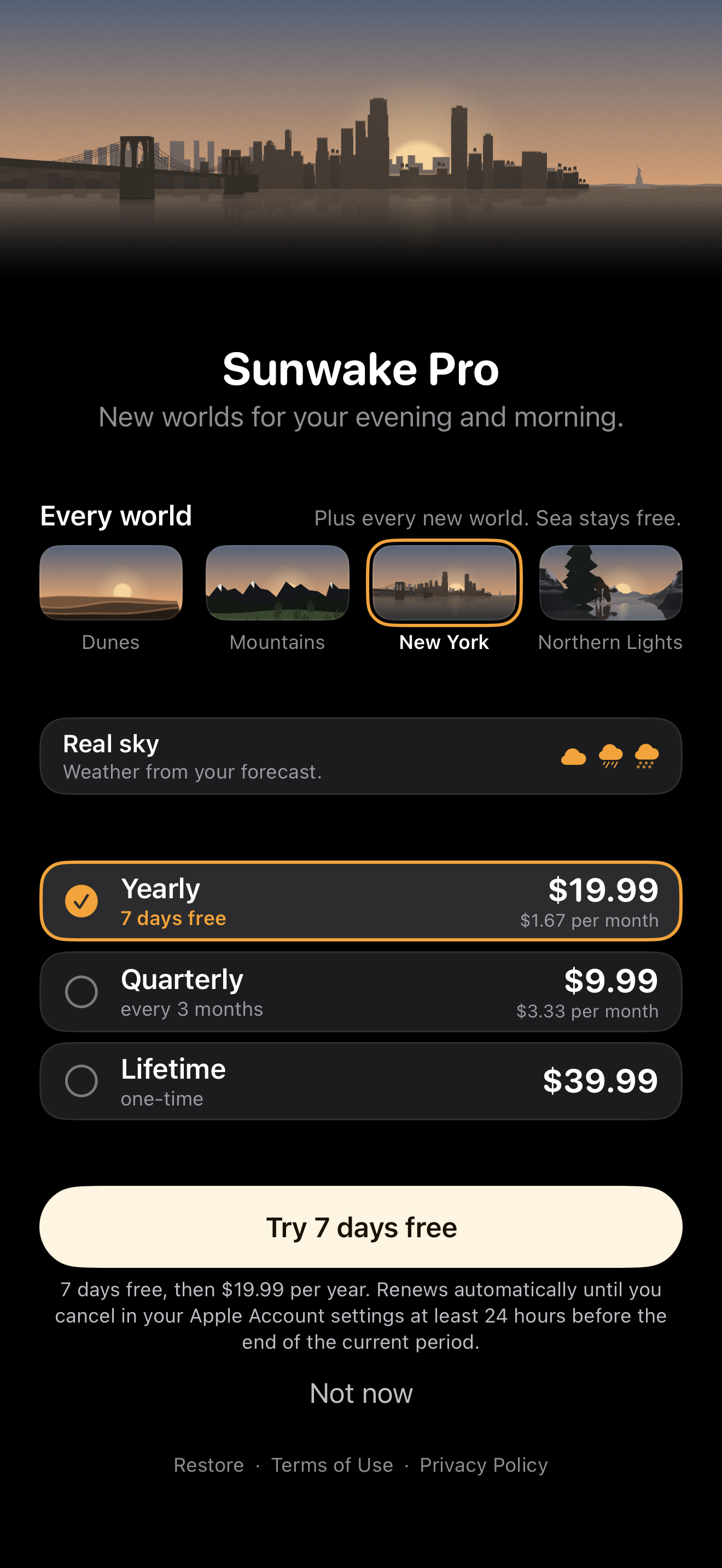
- Free with the Sea world. Sunwake Pro: $19.99 a year with a 7-day free trial for new subscribers, $9.99 a quarter or $39.99 once (Lifetime, with Family Sharing). In the euro area: €19.99, €9.99, €39.99.
- Privacy
- No account, no ads, no tracking
- App Store
- apps.apple.com/app/id6820216689
- Website
- sunwake-app.pages.dev
- Contact
- werraweb@gmail.com
How Sunwake works
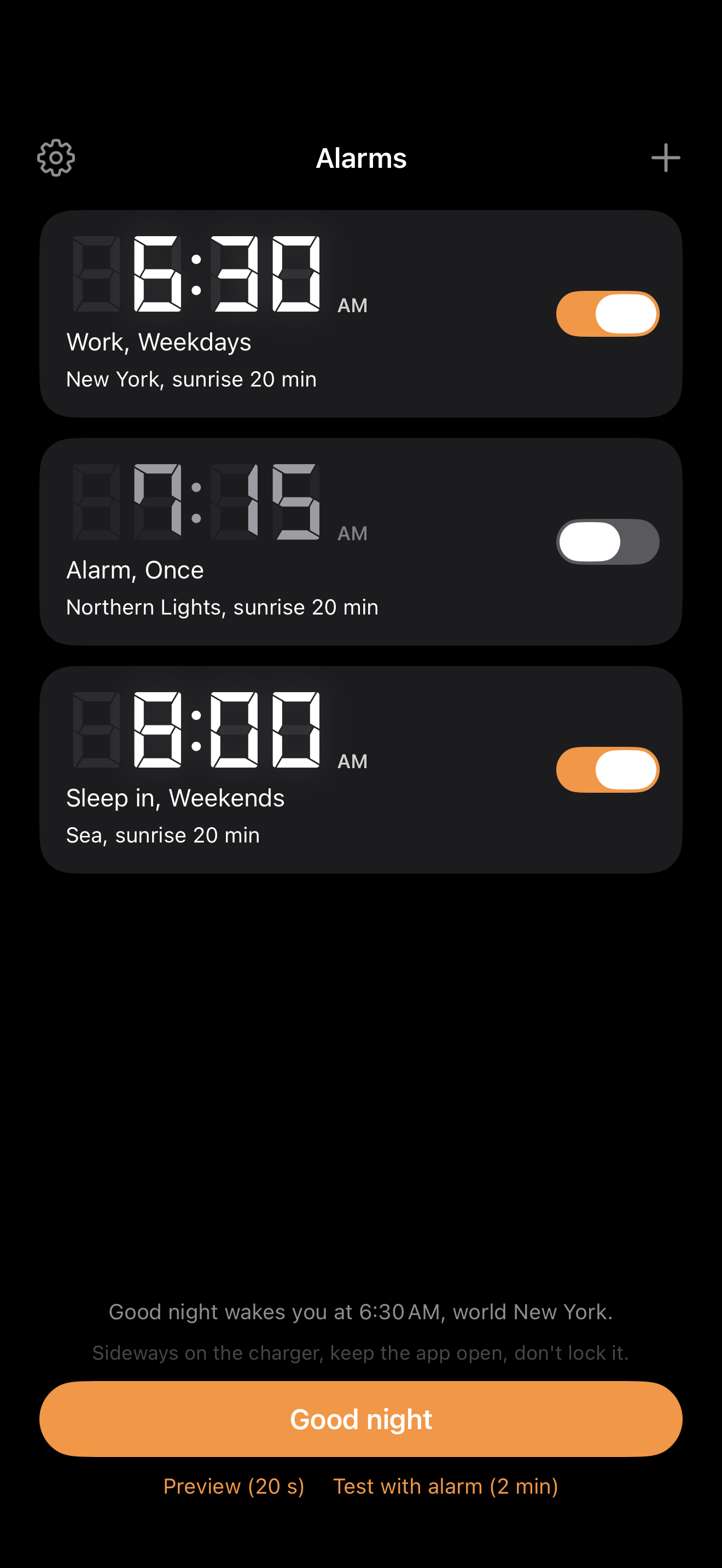
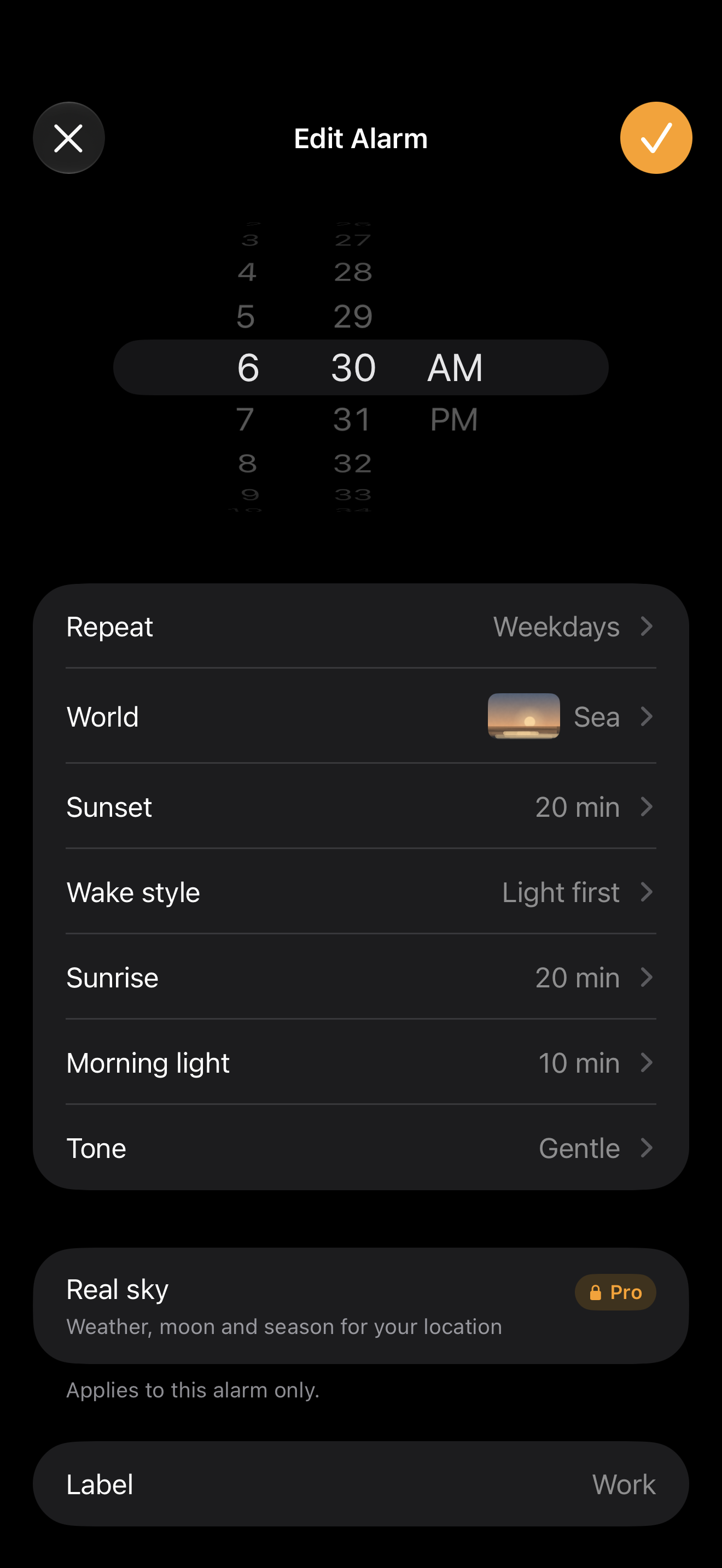
- Set alarms as usual. Time, weekdays and label, like the Clock app. Each alarm has its own world, its own sunset, its own sunrise (up to 30 minutes) and one of 11 alarm tones.
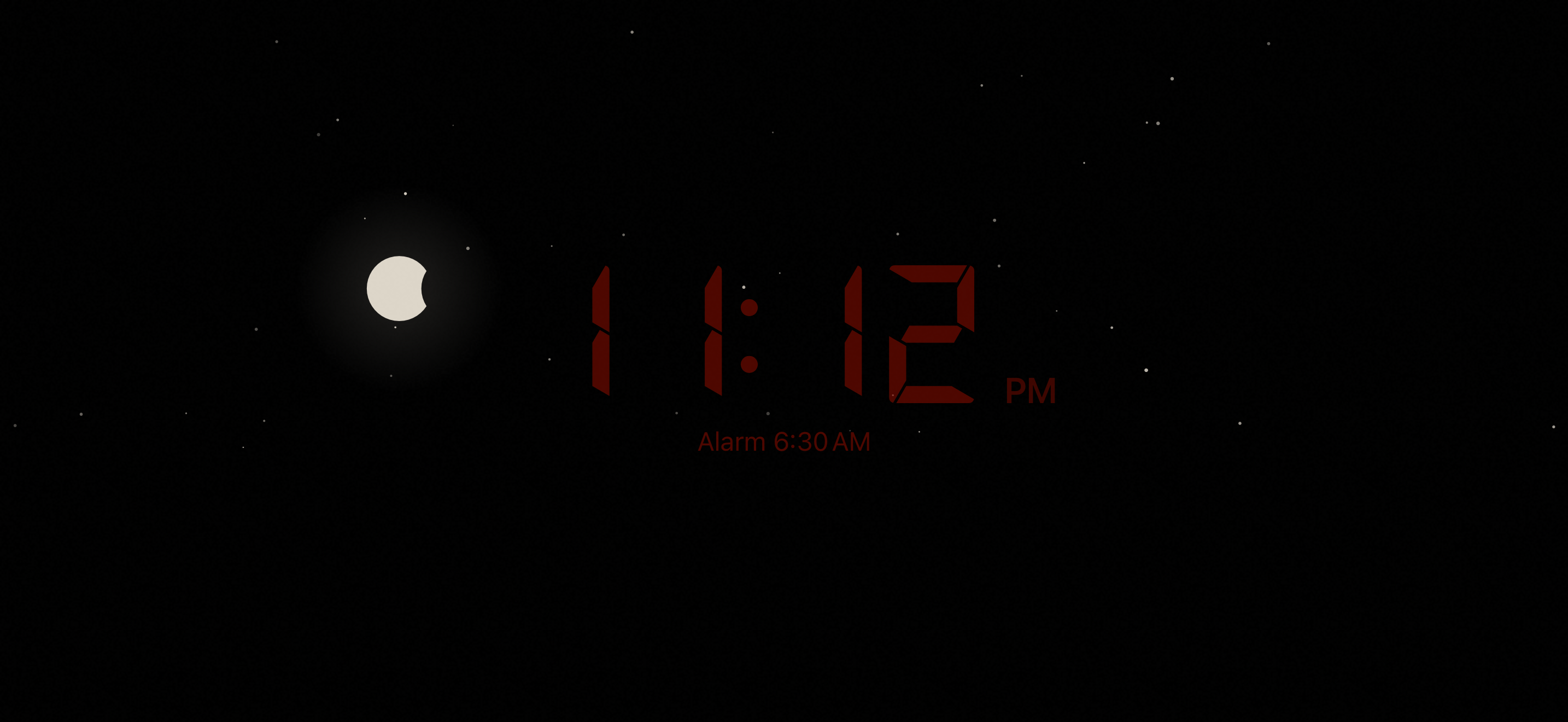
- Tap “Good night” in the evening. The iPhone stands sideways on the charger next to the bed. The sun sets slowly, then the screen stays dark all night: stars, now and then a shooting star, the moon in its real phase, a faint red clock in retro LED style.
- Wake up with the sun. Before the alarm the sun rises, the screen gets brighter and reaches full brightness at wake time. Then the alarm rings.
Every alarm that is on is a real iPhone alarm built on Apple’s AlarmKit. It rings even when the app is closed. A tap snoozes it for 5 minutes, and sliding “Turn off alarm” to the right switches it off and ends the night. There are three wake styles: “Light first”, “Alarm first, then light” and “Up right away”.
The sunrise needs Sunwake to stay open at night, because iOS does not let apps turn the screen on by themselves. That is why the iPhone belongs on the charger.
Worlds
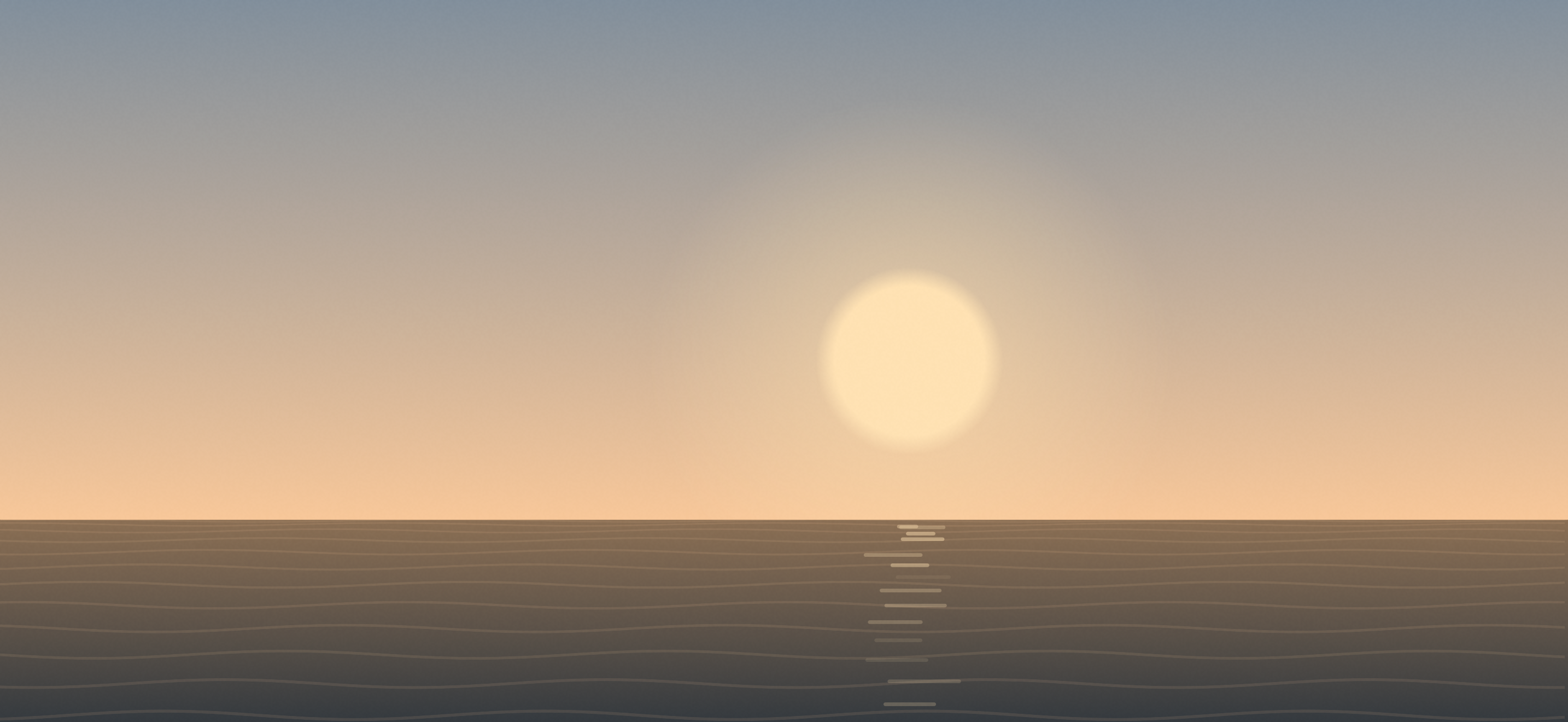
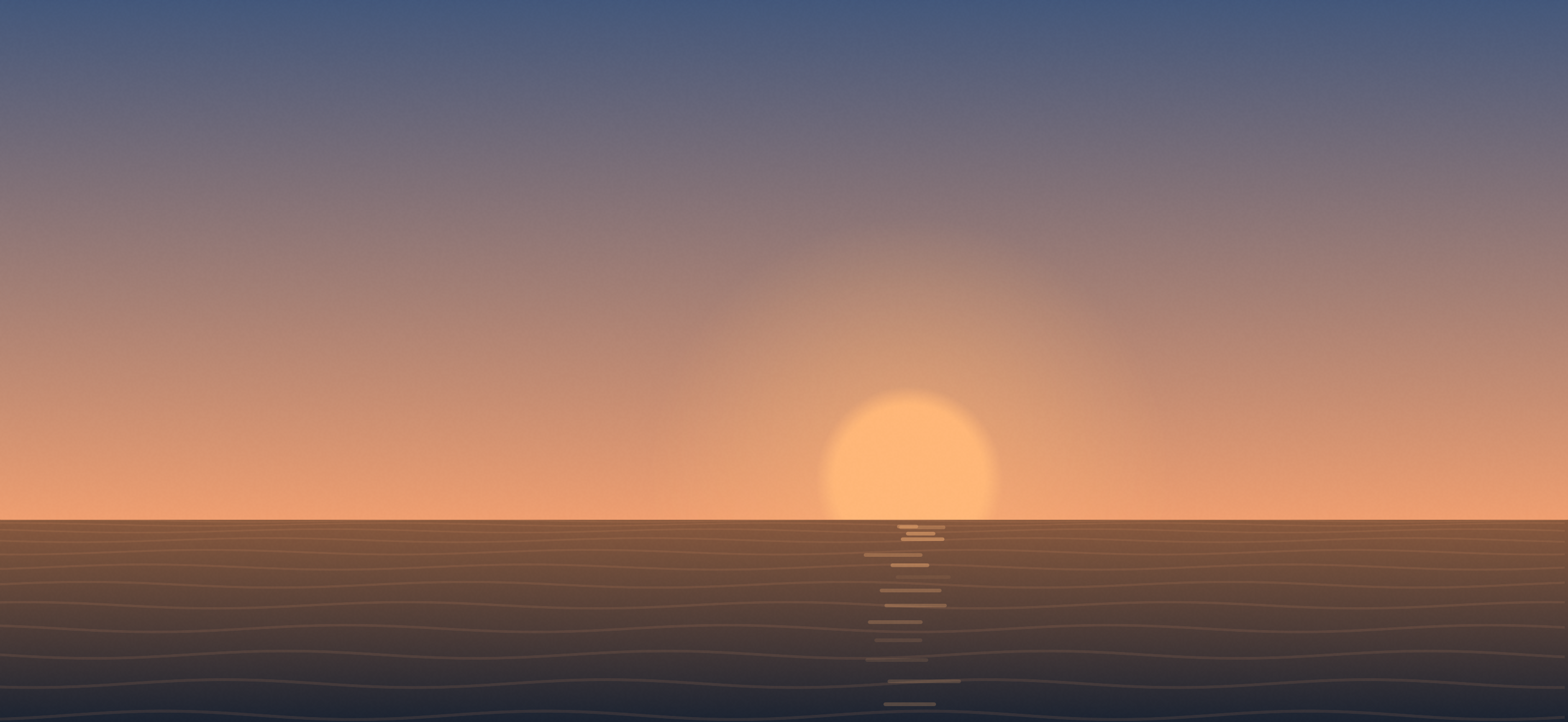
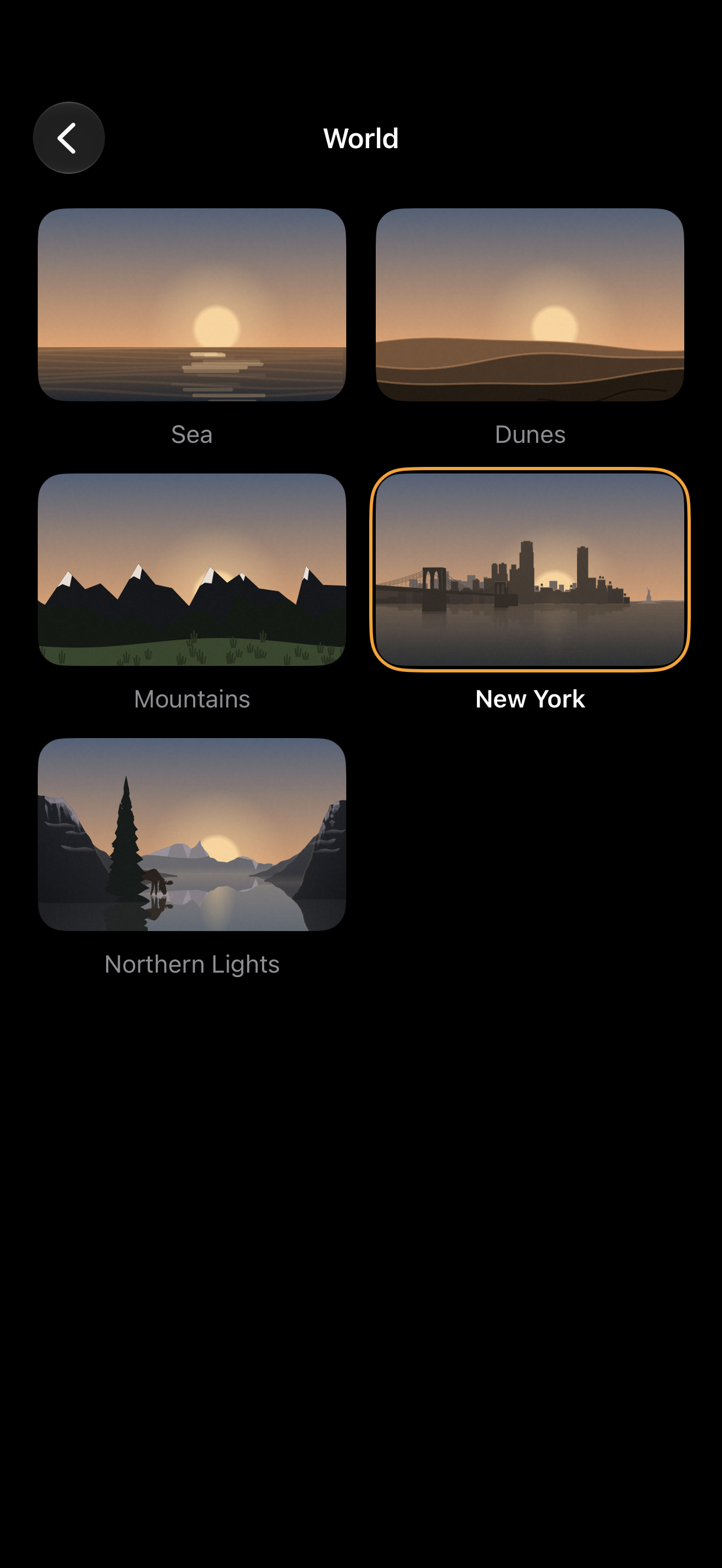
- Sea (free): still water, dolphins on the horizon, birds in the morning.
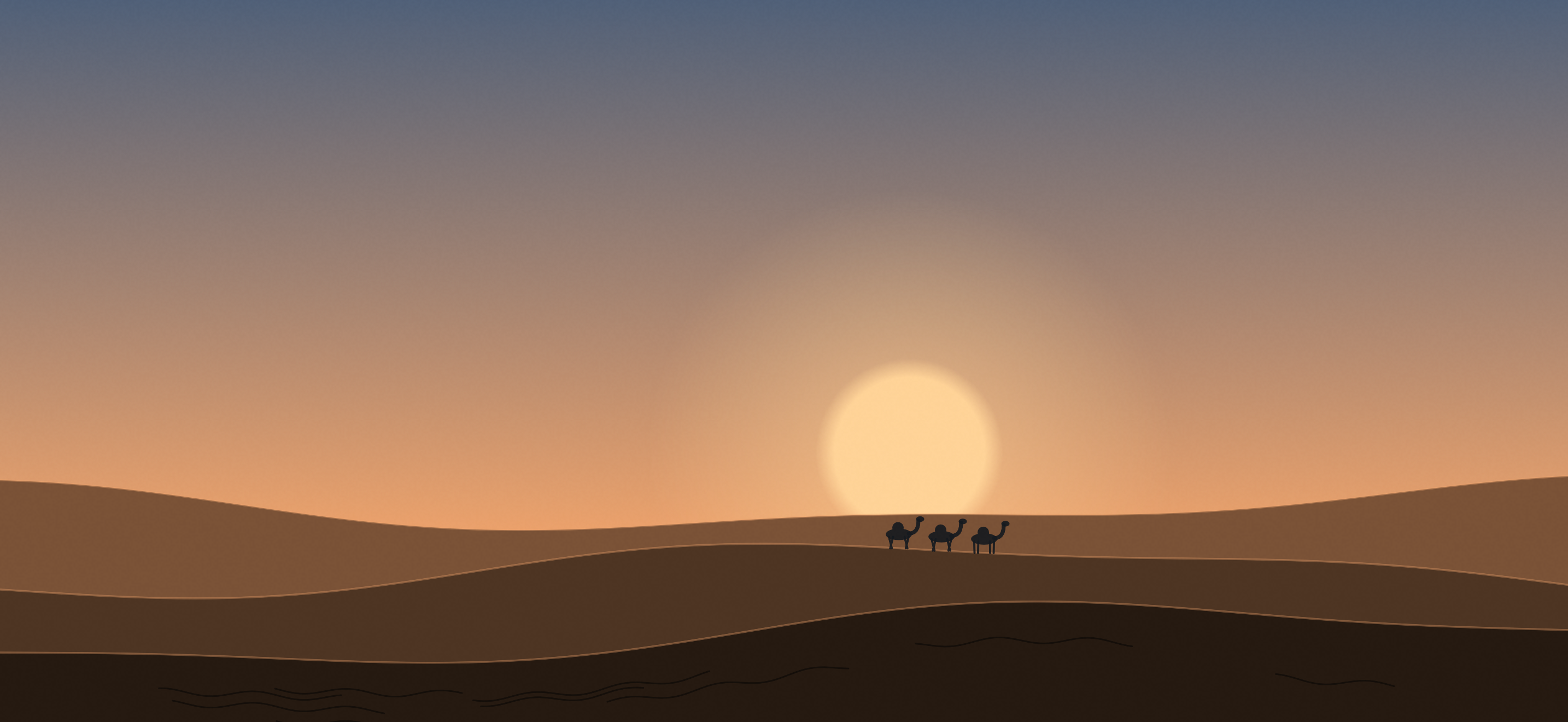
- Dunes (Pro): warm sand and a camel caravan in the first light.
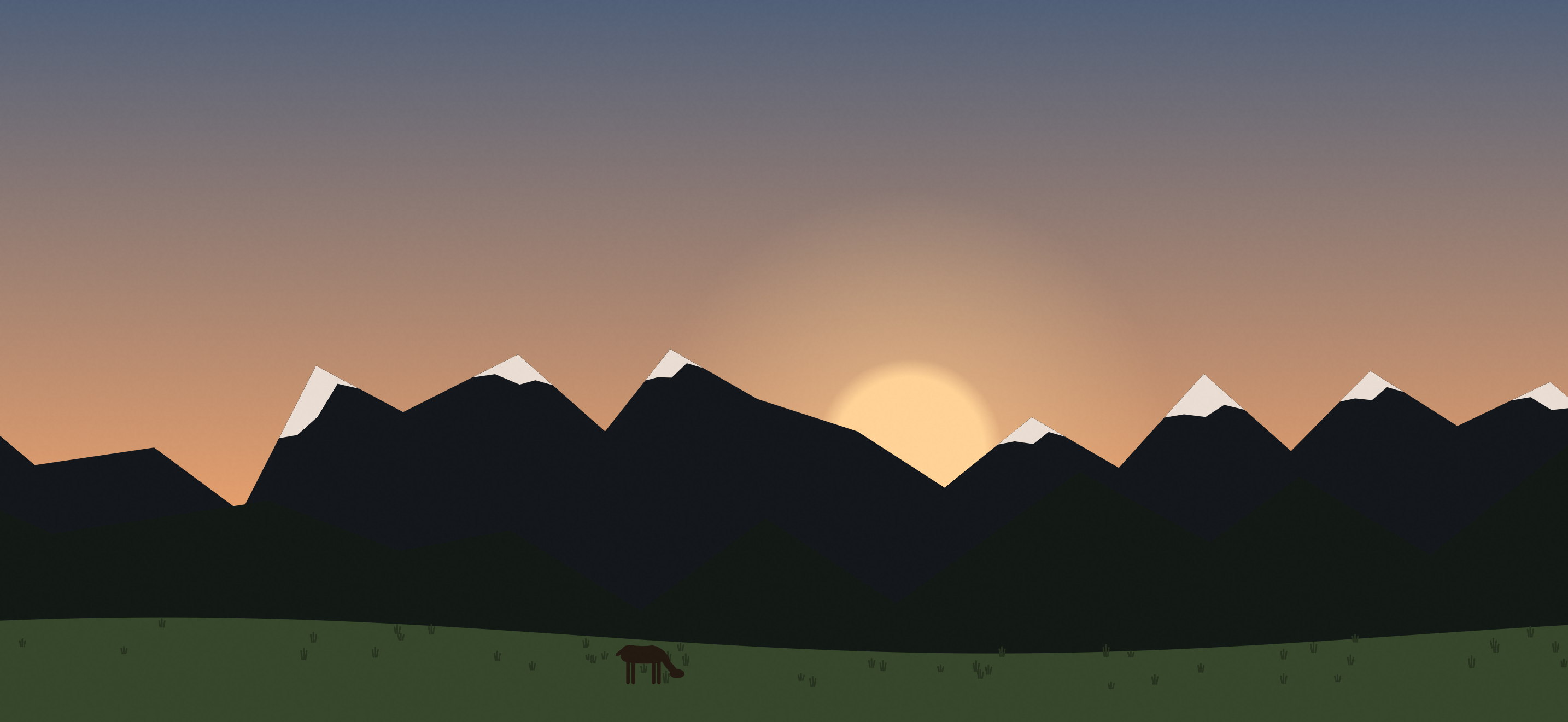
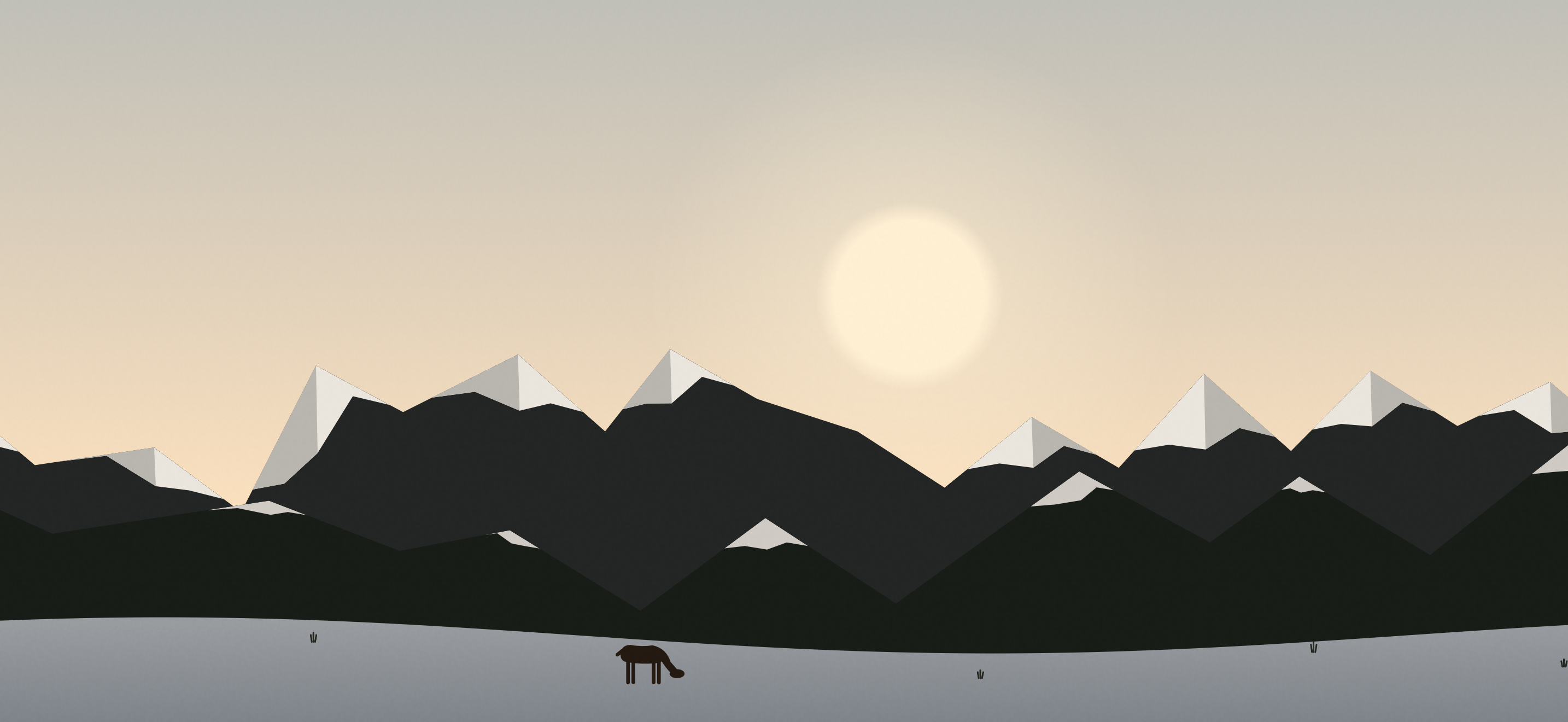
- Mountains (Pro): snowy peaks and a meadow with a grazing deer.
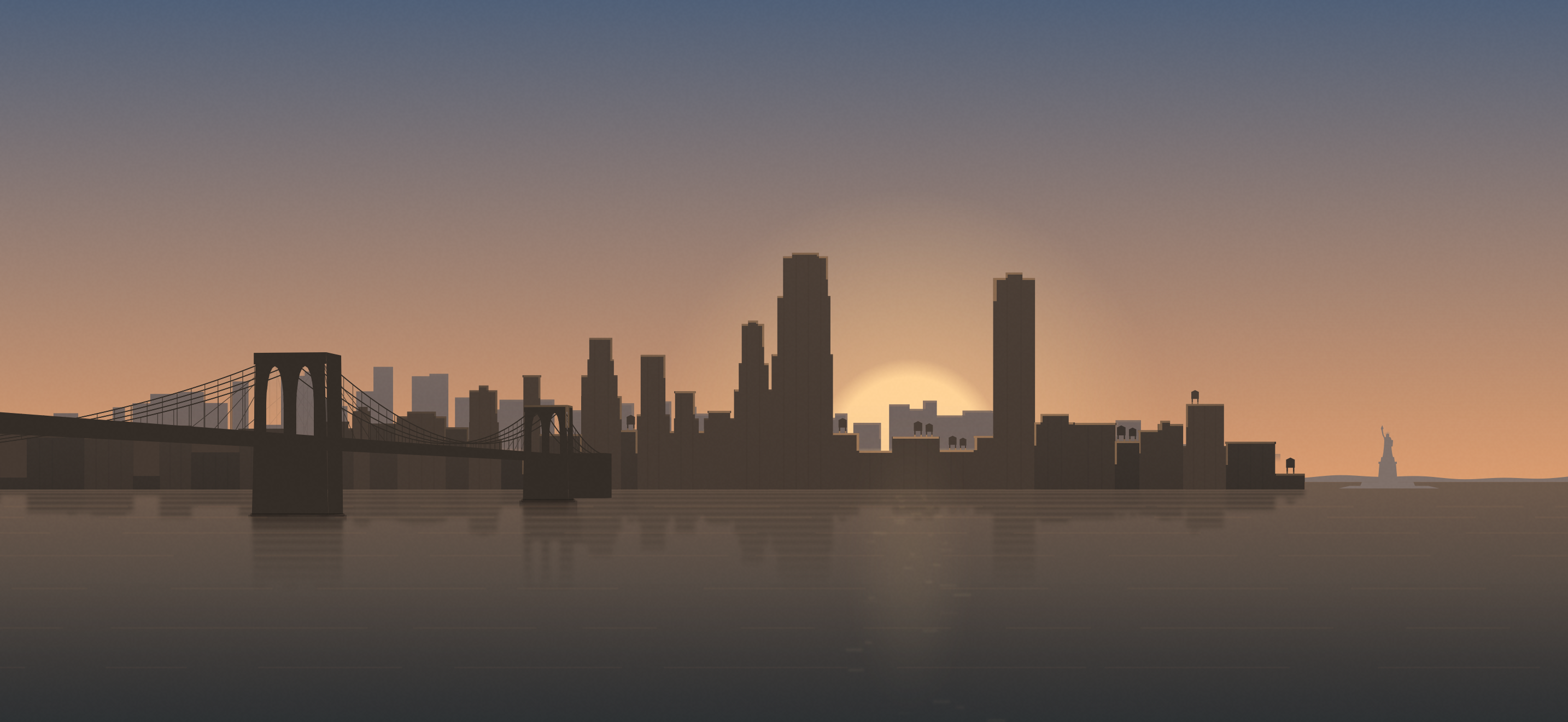
- New York (Pro): a skyline across the river with an old stone bridge, windows lighting up at dusk, pigeons in the morning.
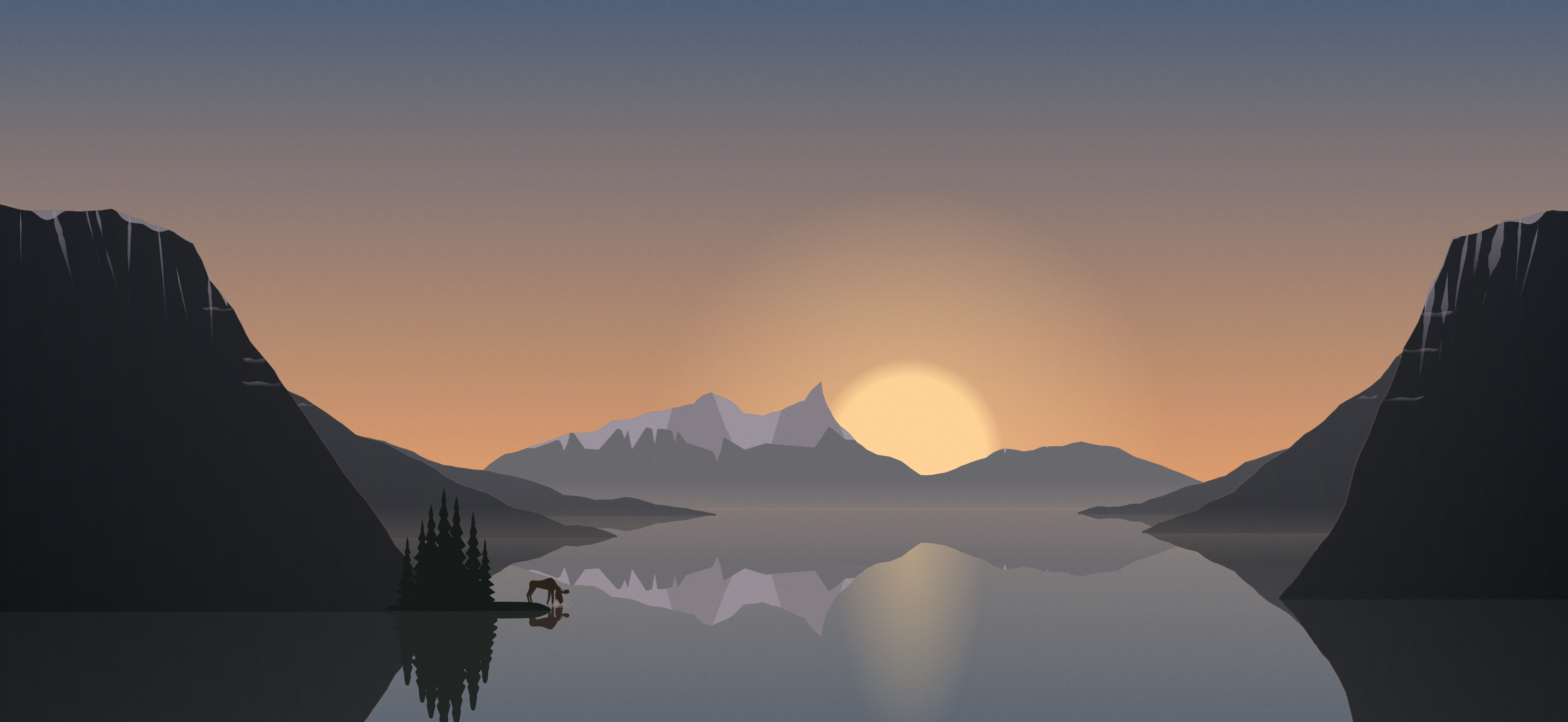
- Northern Lights (Pro): a fjord with green northern lights late in the evening and a moose in the morning.
- Seasonal worlds (Pro, each open to everyone on one evening): Halloween until November 1, free on October 31; Christmas from December 1 to 26, free on December 24, when a reindeer sleigh crosses the sky in every world; Snowy Hill from December to February.
Real sky (Pro): clouds, rain, snow and fog in the morning scene, following Apple Weather’s forecast for your location or a city you choose. The moon rises and sets at its real times, and Mountains and Sea follow the season. The weather only changes the scene, never the screen brightness.
New at launch: Halloween
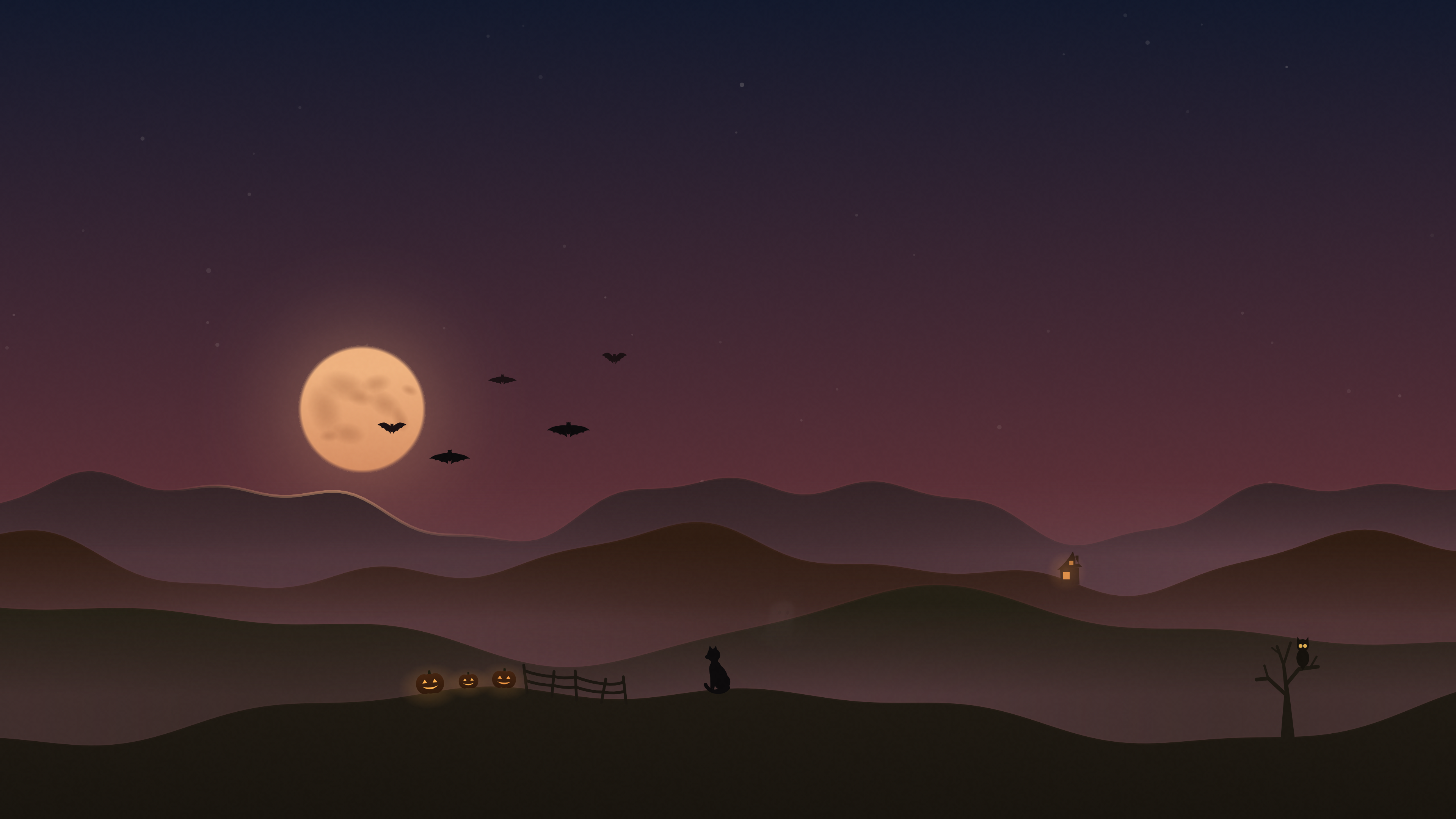
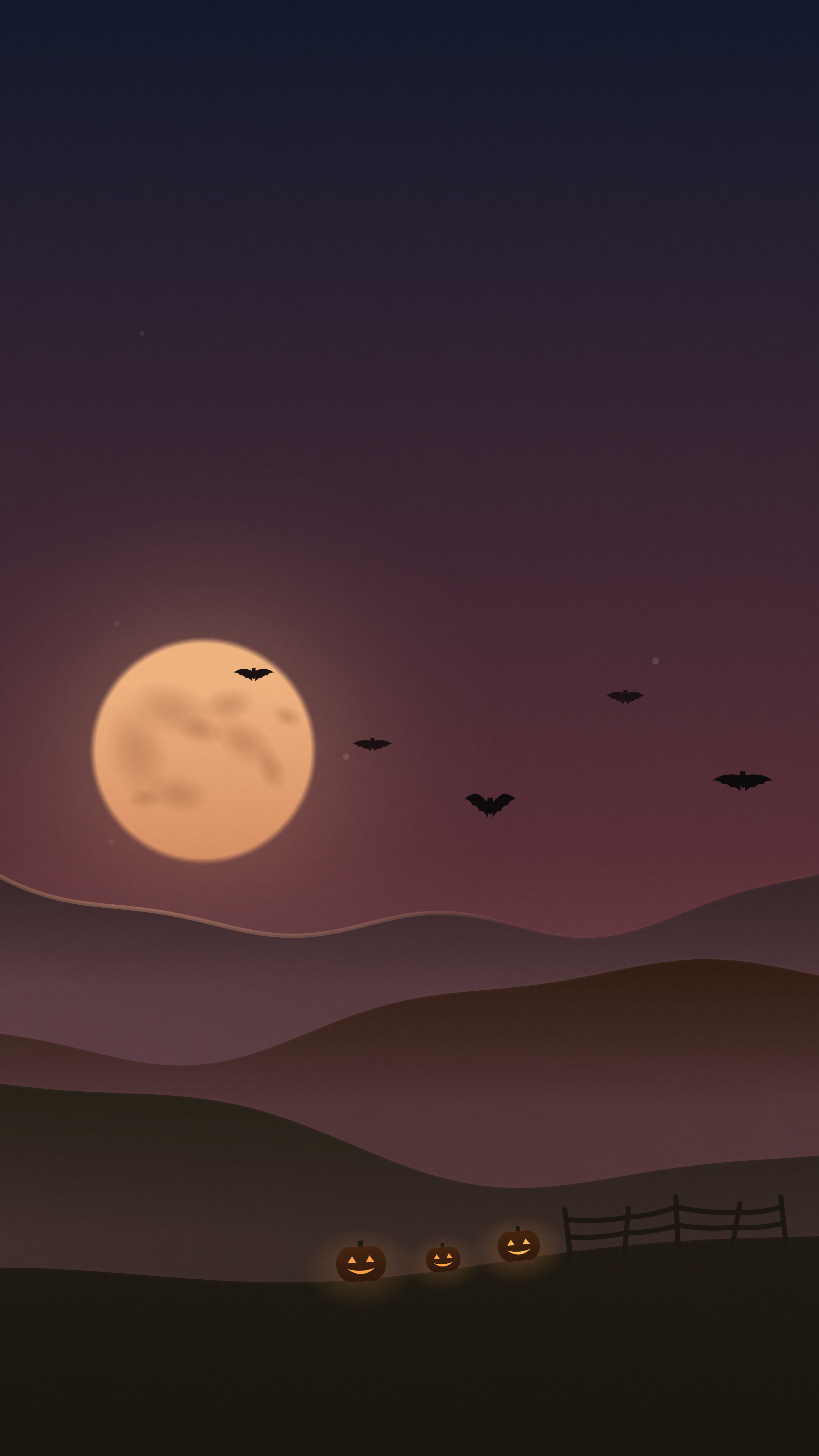
From launch until November 1 there is a Halloween world: a big harvest moon over misty hills, bats, jack-o'-lanterns by a fence, a black cat, little friendly ghosts in the fog and an owl in a bare tree. On the evening of October 31 it is open to everyone, no Pro needed, and once that evening a witch on her broom flies past the moon.
Free and Pro
Free, with no time limit: several alarms with weekdays, 11 alarm tones, sunset, starry night with the real moon phase, sunrise, the Sea world and a preview of every world of the day.
Sunwake Pro: every other world, the seasonal worlds and the real sky; new worlds at no extra cost. As a yearly subscription ($19.99, 7-day free trial for new subscribers), a quarterly subscription ($9.99) or Lifetime ($39.99 once). Subscriptions renew automatically until cancelled in the Apple Account settings.
Privacy
Sunwake needs no account and has no servers of its own. Alarms and settings stay on the iPhone. No ads, no analytics or tracking tools. Only for the real sky, the approximate location, rounded to about one kilometre, goes to Apple Weather; a city can be chosen by hand instead. Details in the Privacy Policy.
About the developer
Lennox Kornmann builds Sunwake on his own in Meiningen, Germany. Sunwake is an independent app and is not affiliated with Apple.
Images
Editors are free to use every image on this page in coverage of Sunwake. All images come from the app (version 1.0) and were captured in the iPhone simulator.
App icon
App icon1024 x 1024 pixels, as in the app.PNG, 1024 x 1024, 75 KB
Scenes without text (landscape)
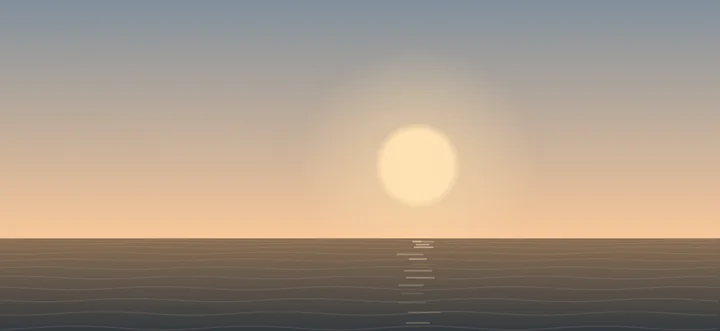
Sea, sunriseThe free Sea world shortly before the alarm.PNG, 2868 x 1320, 1.7 MB
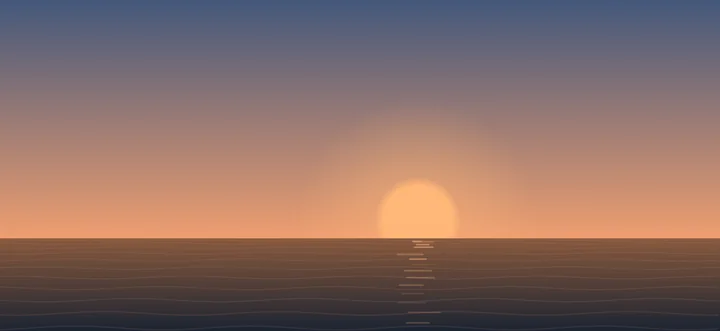
Sea, sunsetIn the evening, for falling asleep.PNG, 2868 x 1320, 1.5 MB
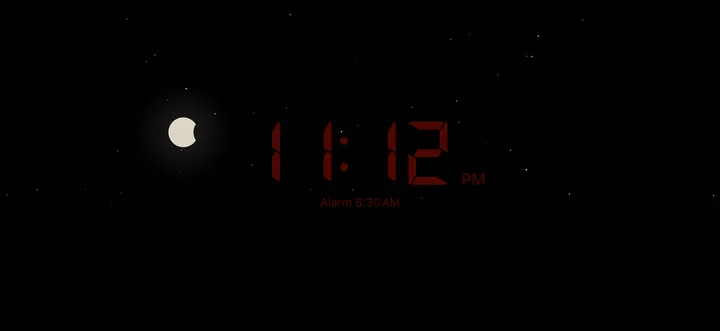
NightStars, the real moon phase, a red clock.PNG, 2868 x 1320, 1.3 MB
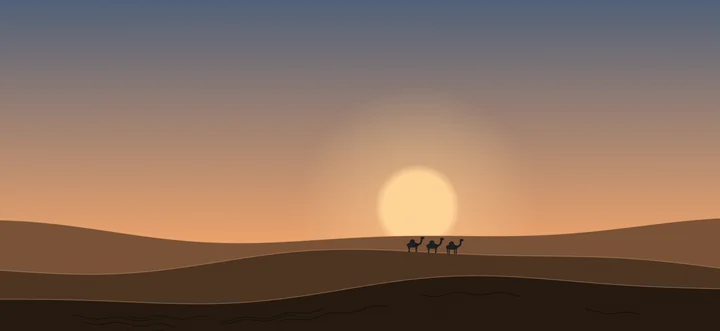
Dunes (Pro)A camel caravan in the first light.PNG, 2868 x 1320, 1.6 MB
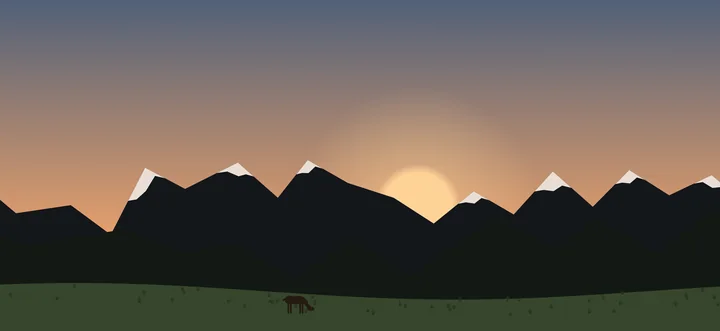
Mountains (Pro)Snowy peaks and a meadow with a deer.PNG, 2868 x 1320, 1.4 MB
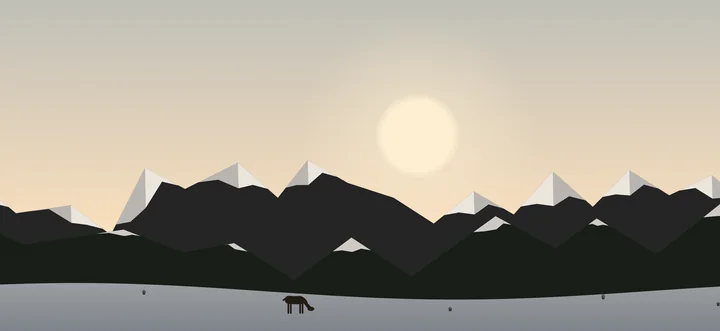
Mountains in winter (Pro)With the real sky the world follows the season.PNG, 2868 x 1320, 1.6 MB
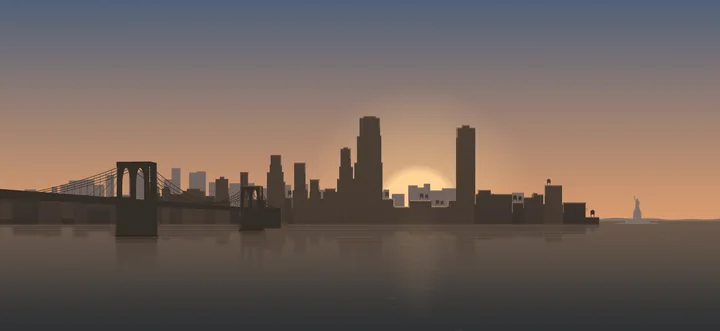
New York (Pro)A skyline by the river with an old stone bridge.PNG, 2868 x 1320, 1.9 MB
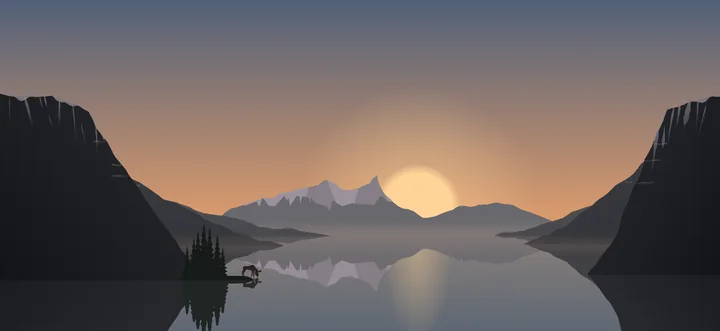
Northern Lights (Pro)A fjord with a moose in the morning.PNG, 2868 x 1320, 2.6 MB
App screens (portrait)
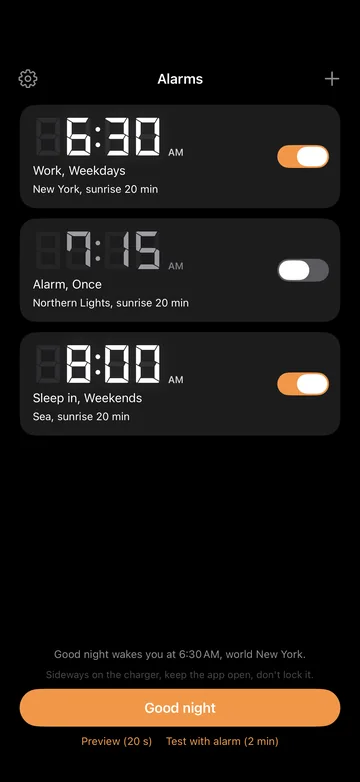
Alarm listSeveral alarms, each with its own world.PNG, 1320 x 2868, 302 KB
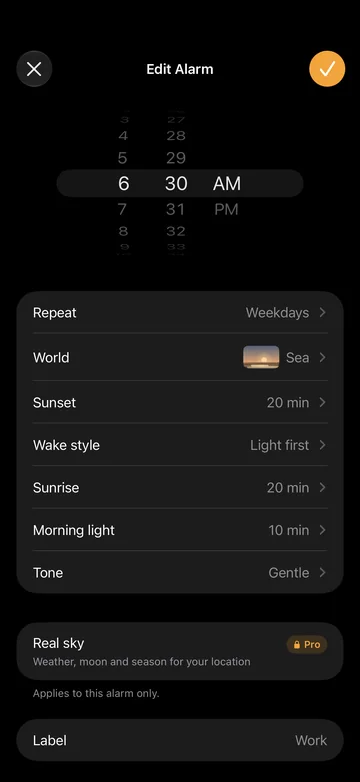
Edit alarmWorld, sunset, wake style, sunrise, tone.PNG, 1320 x 2868, 304 KB
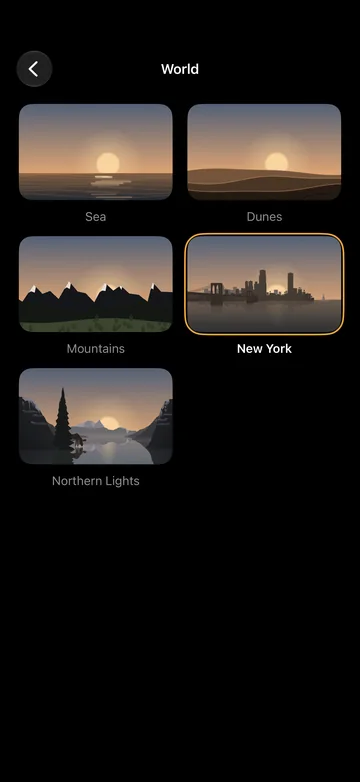
WorldsThe five permanent worlds.PNG, 1320 x 2868, 1.4 MB
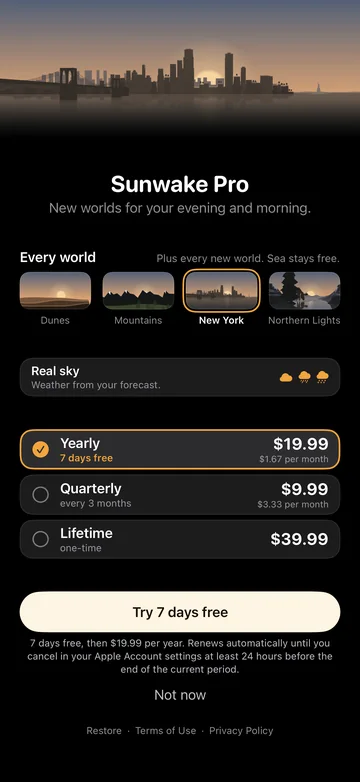
Sunwake ProPurchase page with yearly, quarterly and Lifetime.PNG, 1320 x 2868, 1.3 MB
Halloween
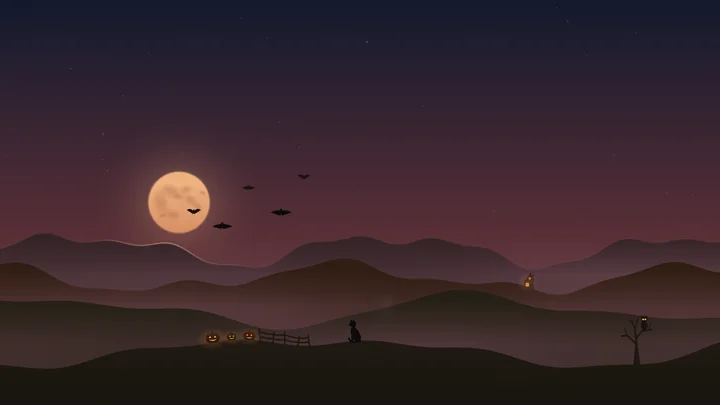
Halloween, landscape (16:9)Harvest moon, bats, lanterns, cat, owl.PNG, 3840 x 2160, 3.8 MB
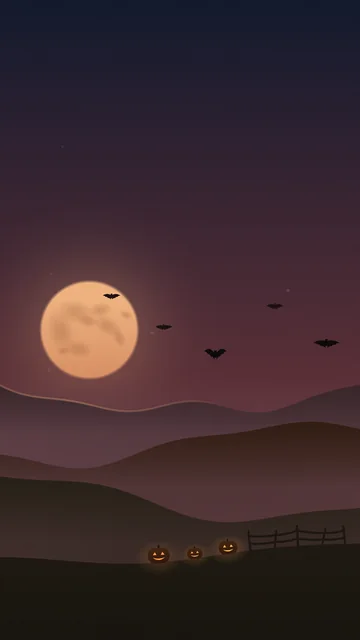
Halloween, portrait (9:16)The moon with bats above the lanterns.PNG, 2160 x 3840, 4.6 MB
App Store cards
The six images of the App Store listing with headlines, 1320 x 2868 pixels each.
- App Store cards in English, 6 images ZIP, 4.5 MB
- App Store cards in German, 6 images ZIP, 4.6 MB
Contact
Questions, test access and other image sizes:
After launch, editors get a free code for Sunwake Pro (Lifetime) on request.
Until launch you can try Sunwake through TestFlight, where purchases are free.